A hybrid cloud strategy for a small business means running some workloads on hardware you control - servers in your office or a colocation facility - while running others on a public cloud platform. That split sounds like a reasonable middle ground. In practice, it doubles the number of environments you must secure, monitor, patch, and back up.
This post is for owners and operations managers who are planning a cloud move or already running a mixed setup. The honest answer is that full cloud with proper controls is simpler and cheaper for most small organizations. But three specific situations can justify keeping something on-premises.
What a Hybrid Cloud Strategy Means for a Small Business
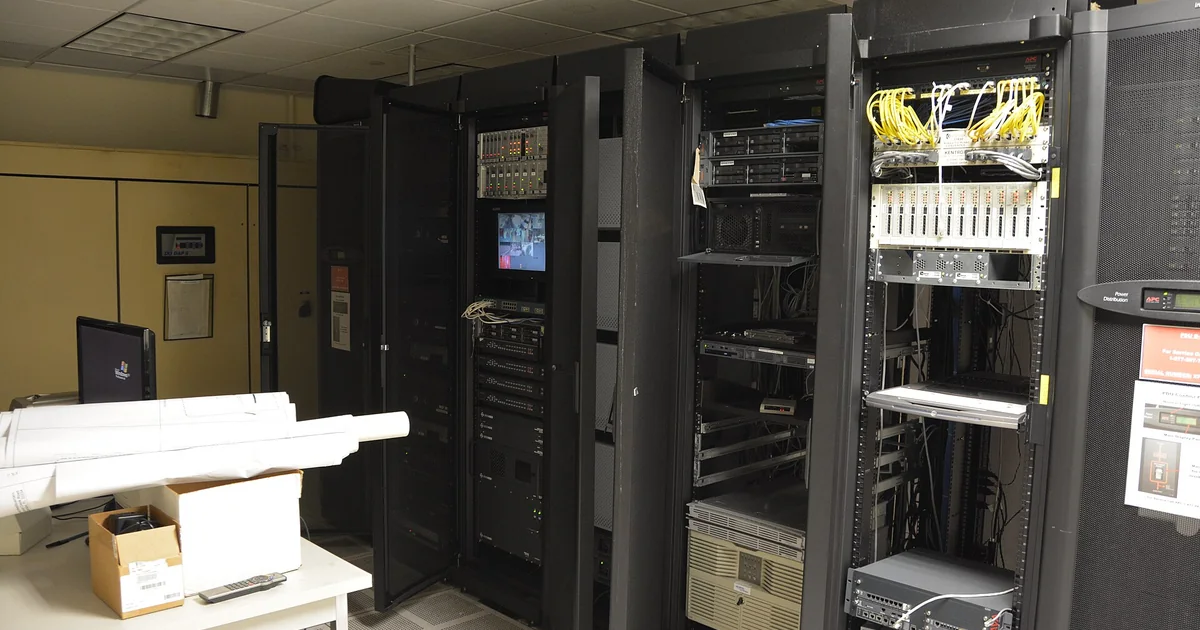
In a large enterprise, hybrid cloud is a formal architecture. It has dedicated networking gear, management software, and a full team to run it. At the small-business level, it usually means a server or two on-site connected to a cloud platform by a VPN or a direct link. Each environment needs its own patching schedule, its own backup policy, and its own monitoring tools. That is not one management job. It is two.
The term gets used loosely. Using cloud-based email while keeping files on a local server is technically hybrid. But most people mean something more intentional - a planned split of workloads for specific reasons. If you cannot state the specific reason each workload lives where it does, you are not running a strategy. You are managing inherited infrastructure.
Inherited infrastructure is more common than you might think. A small business that has operated for many years may have an on-premises server installed before cloud options were practical, cloud tools added one at a time since then, and no one who has mapped the full picture. That is a hybrid setup by accident. It carries the complexity costs without the strategic benefits.
Before deciding anything, list every workload. For each one, note what data it touches, where that data must be stored, and whether the system could run in the cloud with the right setup. That list is your starting point for every decision that follows.
Three Scenarios That Justify Keeping Something On-Premises
Most small businesses that honestly audit their workloads find only a few categories that need local infrastructure. The three most common are hard compliance requirements, latency sensitivity, and legacy systems that cannot move.
Hard compliance requirements mean a regulation or contract that says where data must physically reside, or that requires you to control the hardware directly. If a rule or contract requires specific data to stay within a facility you control, you may need on-premises or colocation infrastructure for that workload only - not for everything else. A common mistake is treating one compliance-driven workload as a reason to keep the entire environment on-premises.
Latency sensitivity applies to systems where even a small delay causes real problems. Manufacturing control systems or point-of-sale terminals in locations with poor internet are examples. For most business applications - accounting, CRM, file storage, email - cloud latency is not a practical problem. Test your connection speed and ask your cloud vendor about round-trip times before assuming latency is a blocker.
Legacy systems that cannot move are old applications never designed for the cloud. They would need a full rewrite to migrate. Ask whether the rewrite costs more or less than maintaining the hybrid setup for that one aging application. The rewrite often pays off faster than expected. If the application is still the right tool, there may also be a modern cloud-native replacement worth comparing.
What Federal Security Guidance Says About Small Businesses and Cloud
A common assumption is that keeping a server on-site gives you more control and therefore better security. Federal guidance points the other direction. CISA and NSA urge small and medium businesses to migrate internet-facing systems to reputable managed cloud providers to reduce system maintenance roles for identity and email systems. The logic is simple: a managed provider applies patches faster and at a larger scale than a small IT team can.
Cloud is not risk-free, though. CISA recommends maintaining offline, encrypted backups of critical data, and regularly testing the availability and integrity of backups in a disaster recovery scenario. Storing everything in one cloud environment without an offline copy is not a sound disaster recovery plan. Test those backups on a fixed schedule you can point to.
Some vendors market immutable storage - a write-once storage layer - as a way to protect cloud data without a separate environment. CISA cautions that immutable storage does not meet compliance criteria for certain regulations, and misconfiguration can impose significant cost. Check what your specific compliance framework requires before relying on it as your only backup layer.
The Real Cost and Complexity of a Hybrid Setup
Running two environments means paying for both. On-premises gear requires hardware refresh cycles, plus power, cooling, and staff time to manage it. The cloud side adds monthly fees. When organizations compare costs honestly, the on-premises side often looks cheaper on paper. That happens because capital expenses are already sunk. Add the true cost of maintenance and the numbers usually change.
Think about what a hardware refresh really involves. You buy new servers every few years. You pay someone to set them up, test them, and migrate your data. Then you add ongoing patch management, warranty renewals, and emergency repairs when hardware fails. When you count those staff hours alongside hardware costs, keeping one server on-premises often costs more than a comparable cloud service would over the same period. Most small businesses undercount the labor.
Security complexity is the harder problem. Every connection between your on-premises environment and the cloud is a potential attack path. Ransomware and data extortion incidents can leave organizations unable to access necessary data to operate and deliver mission-critical services. A VPN connecting an unpatched on-premises server to your cloud environment can be the entry point for exactly that kind of incident.
You also need incident response plans that cover both environments. Data breach notification procedures must adhere to applicable state laws for personally identifiable information breaches, and those obligations apply regardless of where your data lives or how your infrastructure is split.
How to Evaluate Each Workload Before Committing to Hybrid
The most useful thing you can do before committing to any architecture is score each workload on three dimensions: compliance requirement, latency tolerance, and migration difficulty. Work through each workload in this order.
- Compliance requirement: Does a law, regulation, or contract say where this data must reside or how the system must be controlled? If not, cloud is on the table.
- Latency tolerance: Would a few hundred milliseconds of delay cause a real problem for this specific workload? For most office applications, it would not.
- Migration difficulty: Is this a standard application with a cloud-hosted version, or would moving it require a full rewrite? A legacy desktop accounting application is a common example. An older version of QuickBooks Desktop stores data locally and has no direct cloud migration path. Moving it means subscribing to a cloud version, converting or re-entering data, and rebuilding any integrations. Estimate that one-time cost against ongoing hybrid maintenance costs for the same application.
- Backup and recovery: Does your plan include offline, encrypted backups you test on a fixed schedule? Cloud or hybrid, this step is not optional.
A workload with no hard compliance requirement, low latency sensitivity, and a manageable migration path should go to the cloud. Most small-business workloads score exactly that way. Ask your cloud vendor what compliance frameworks they support. A reputable managed provider will answer clearly and provide documentation to back it up.
Signs Your Hybrid Setup Has Become Technical Debt
Not every hybrid environment was planned. Many small businesses end up with a mixed setup because they moved some things to the cloud over the years without retiring the on-premises hardware. If your hybrid architecture is accidental rather than deliberate, the ongoing cost is probably not worth carrying.
Common signs that your setup has become technical debt rather than strategy:
- You are maintaining on-premises hardware for one or two applications that could migrate.
- Your team spends more time keeping the connection between environments working than on productive work.
- Your backup process is inconsistent across the two environments.
- You cannot clearly explain to a new employee why a given workload is on-premises.
If you are in that situation, the right move is usually to accelerate the migration rather than keep patching the hybrid setup. Cloud and infrastructure planning for a small business does not need to be complicated, but it does need to be intentional. The full cost of on-premises hardware is often higher than it looks once you count maintenance time, power, and hardware replacement cycles.
If you are not sure whether your current setup is strategic or just inherited, talking it through with someone who works with small organizations every day can save months of guesswork. Book a free 30-minute call with Joshua to walk through your workloads and get a straight answer on whether hybrid still makes sense for your business.