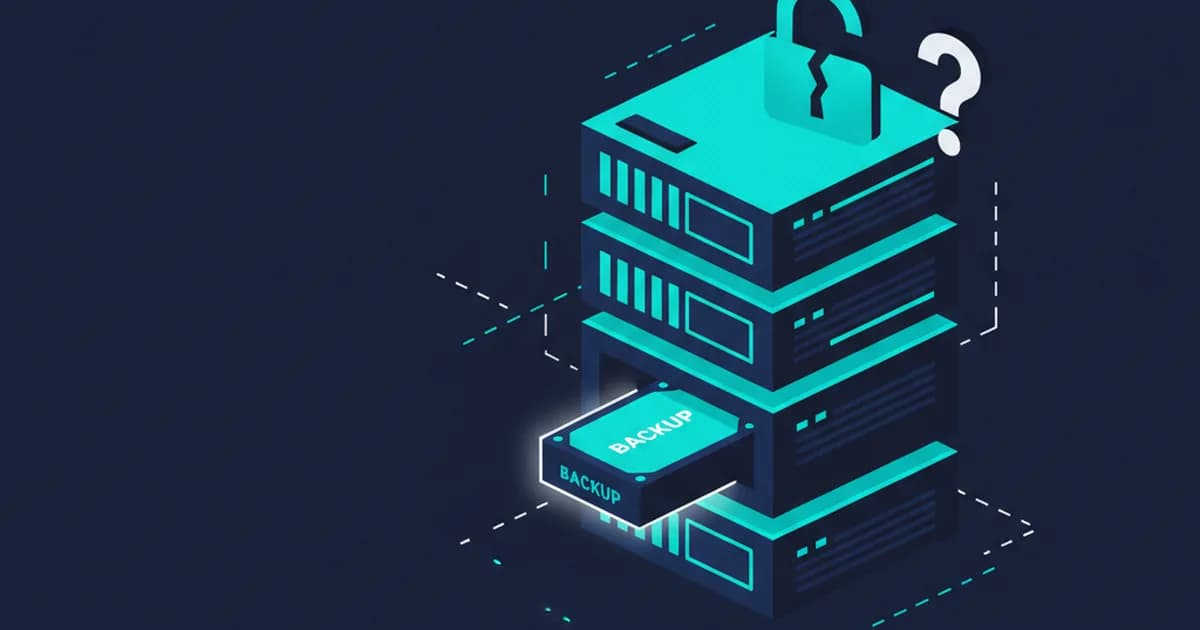
You have a backup. Maybe it runs every night to an external drive, or syncs to a cloud service. That is better than nothing. But if ransomware ever hits your business, that backup might disappear right along with everything else, and you would not know until you needed it most.
What Ransomware Actually Does to Backups
Most people think of ransomware as something that locks your files and demands payment. That part is true. What people miss is what happens before the ransom note appears.
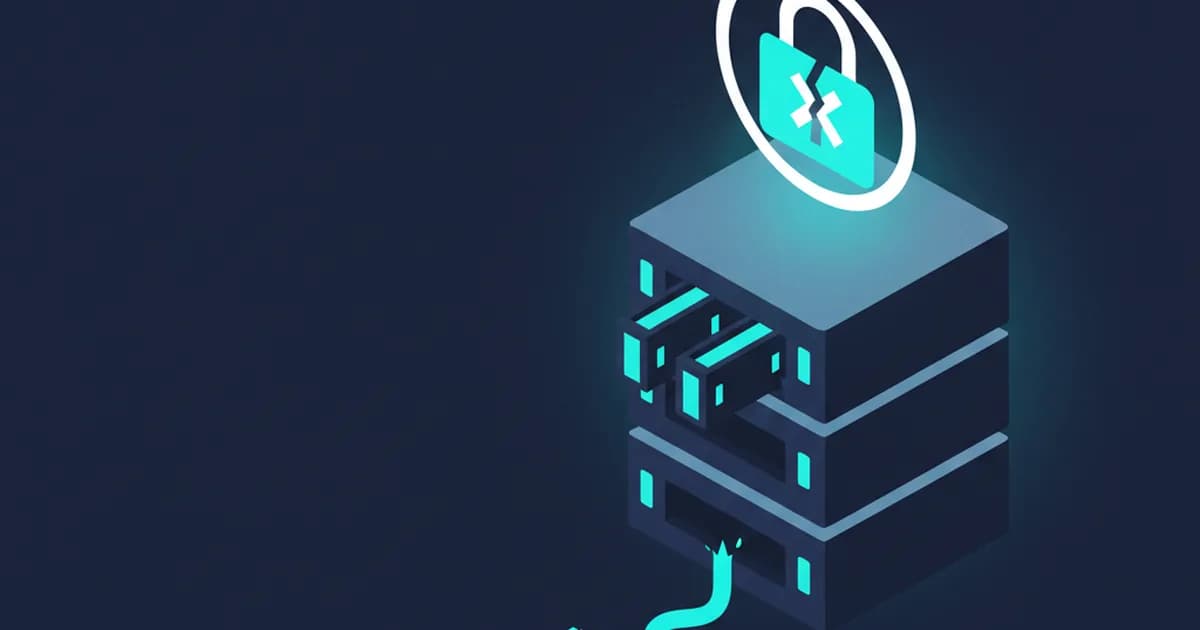
Ransomware usually sits on a network quietly for days or weeks. During that time it looks for connected storage, cloud sync folders, and backup destinations. When it finally triggers, it encrypts your files and your backups at the same time. By the time you see the message on your screen, the damage is already done, including to whatever backup solution you thought would save you.
This is not a rare edge case. It is how modern ransomware is designed to work.
What an Immutable Backup Actually Is
An immutable backup is one that cannot be changed or deleted once it is written. Not by ransomware, not by a hacker who gets into your system, and not even by your own admin account. The backup is locked for a fixed window of time.
Think of it like a fireproof safe that nobody can open for a set period, not even the person who locked it. Your files are in there. Ransomware cannot reach them. When you need to restore, you go to that locked copy and pull from it.
This is different from a standard backup drive or a cloud sync folder. Those are connected, reachable, and deletable. Immutable backups are built specifically to survive an attack that takes down everything else.
Having the Files Is Not the Same as Having a Plan
Here is where a lot of businesses get stuck even when they do have clean backups. They find the backup, but nobody knows the order to restore things. Which server comes back first? Which applications depend on which data? Who does what, and in what sequence?
Without written answers to those questions, a recovery that should take a few hours can drag on for days. Staff are standing around. Customers are calling. And the people trying to fix things are making decisions on the fly under pressure.
A failover playbook solves this. It is a written, tested, step-by-step plan for getting your systems back online. The key word is tested. A plan you have never actually run is just a document. A plan you have practiced is something you can rely on.
Questions Worth Asking About Your Current Setup
If you are not sure where you stand, here are a few things worth checking right now:
- Can ransomware reach your backup destination from inside your network?
- Is there a copy of your data stored somewhere physically separate from your office?
- Has anyone actually restored from your backup in the past year?
- Is there a written plan for who does what if your main systems go down?
If the answers are mostly "not sure" or "no," that is not unusual. Most small businesses have patched together a backup approach over time without thinking through the recovery side. The backup exists. The plan for using it under pressure does not.
How Fast Should You Expect to Be Back Online
With the right setup, clean backups that an attack cannot touch, a copy stored at a separate location, and a tested recovery playbook, most small businesses can be back to normal operations within a few hours of a serious incident.
Without that setup, the same incident can mean days or weeks offline. Phones, email, customer records, accounting software, all of it down while someone pieces things together from scratch.
The goal is not to prevent every possible disaster. The goal is to make sure that when something bad happens, you have a clear, reliable path back.
If you are not confident your current backups could survive a ransomware attack, it is worth a conversation. Joshua offers a free 15-minute call to look at what you have and tell you honestly where the gaps are.